Why DEJA.js?
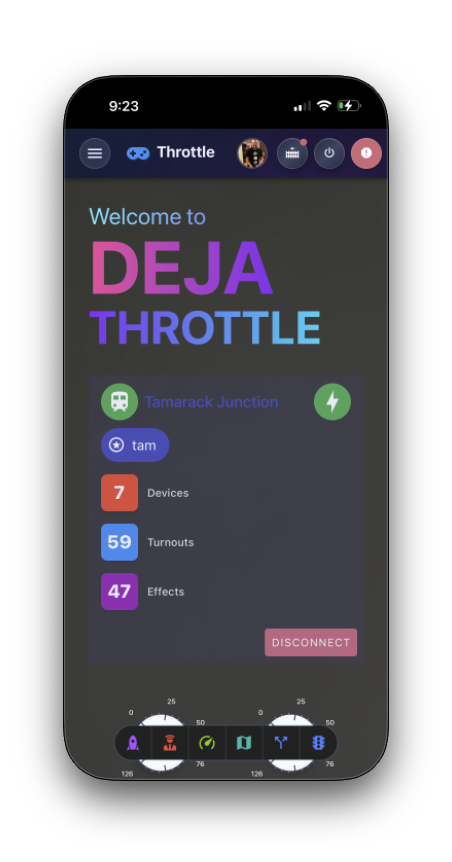
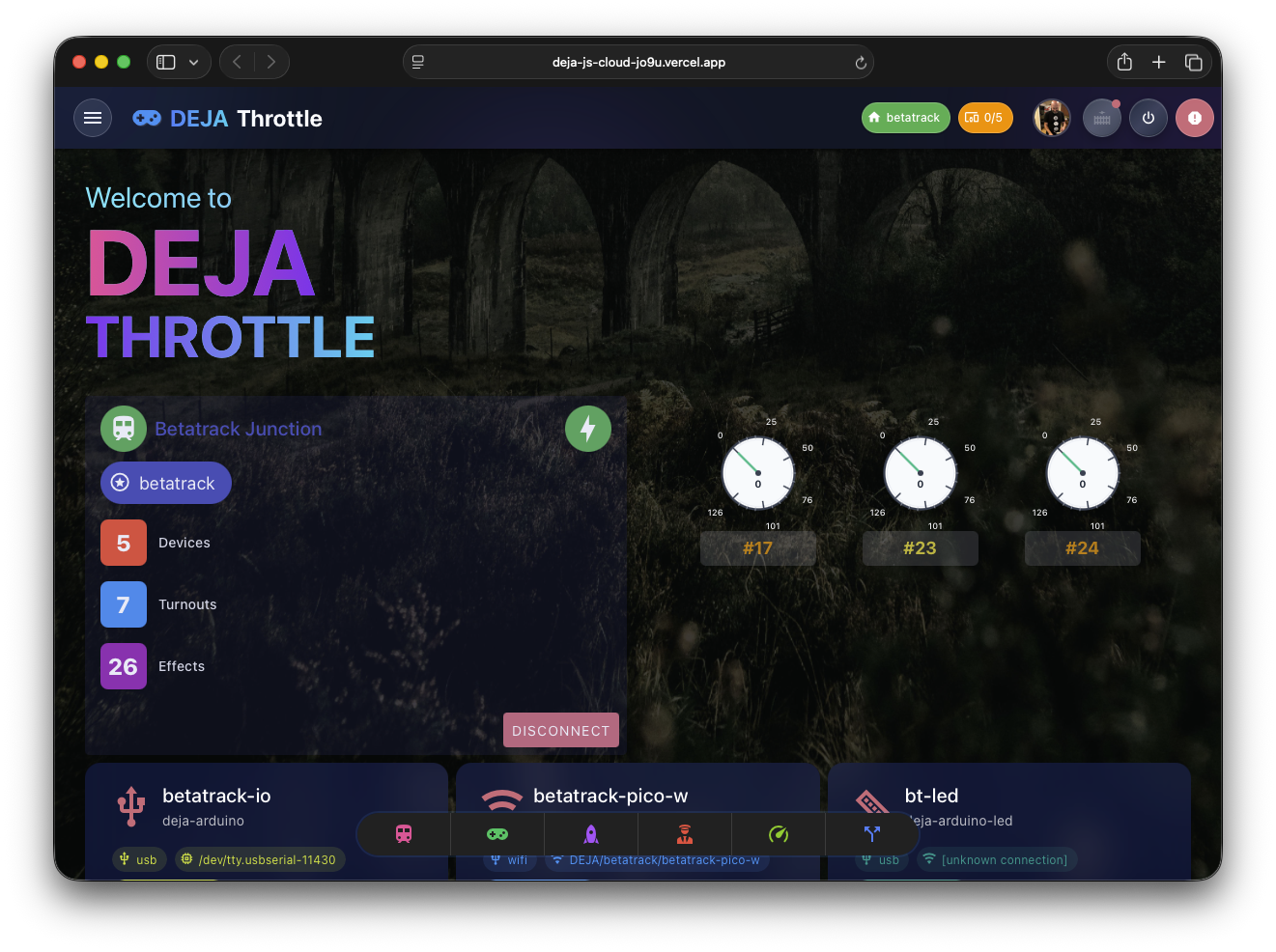
DEJA.js is a modern, comprehensive suite of applications that transforms your model railroad into a connected, intelligent system. DEJA provides everything you need to control, monitor, and interact with your DCC-EX CommandStation.
How it works.
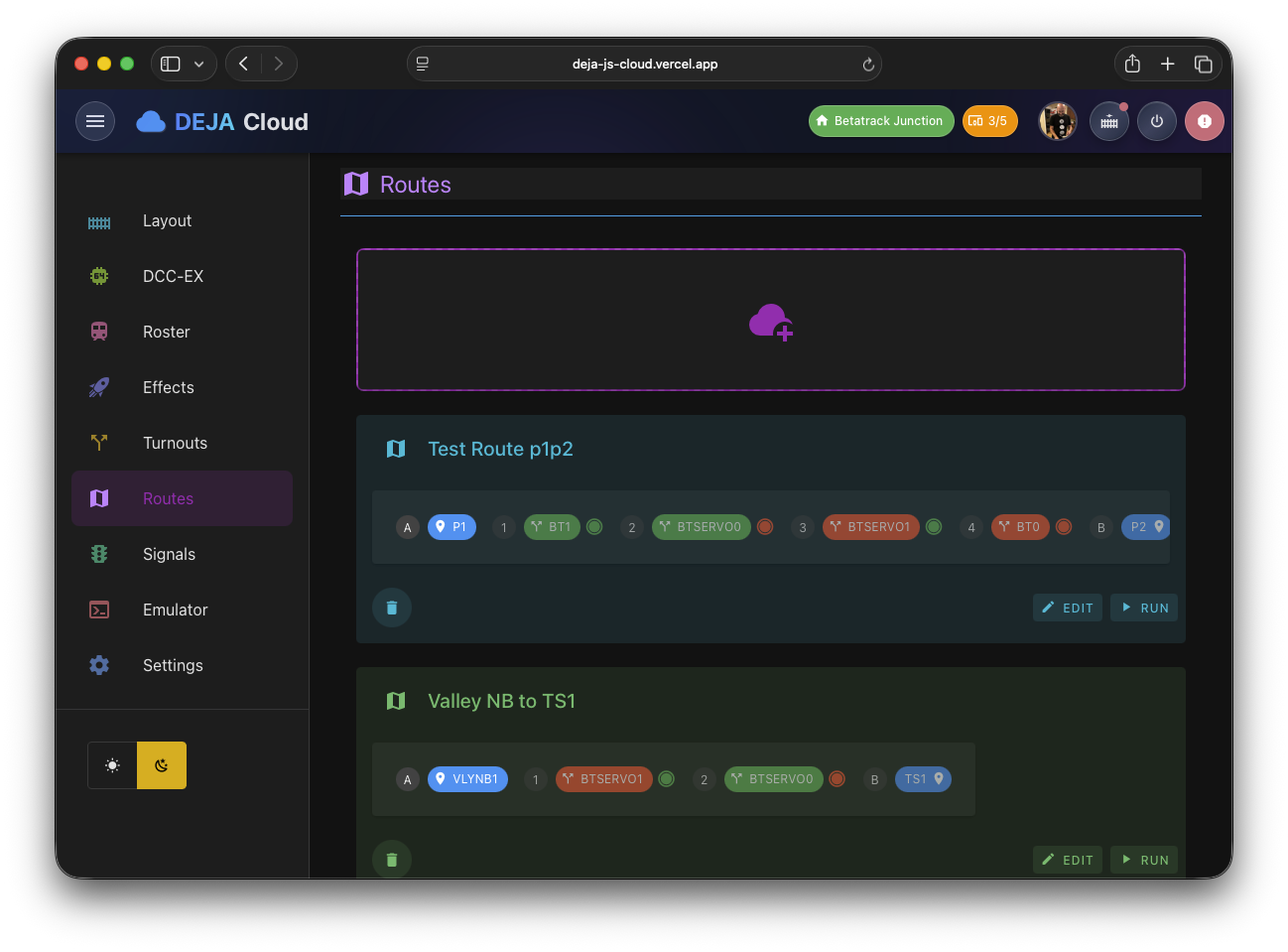
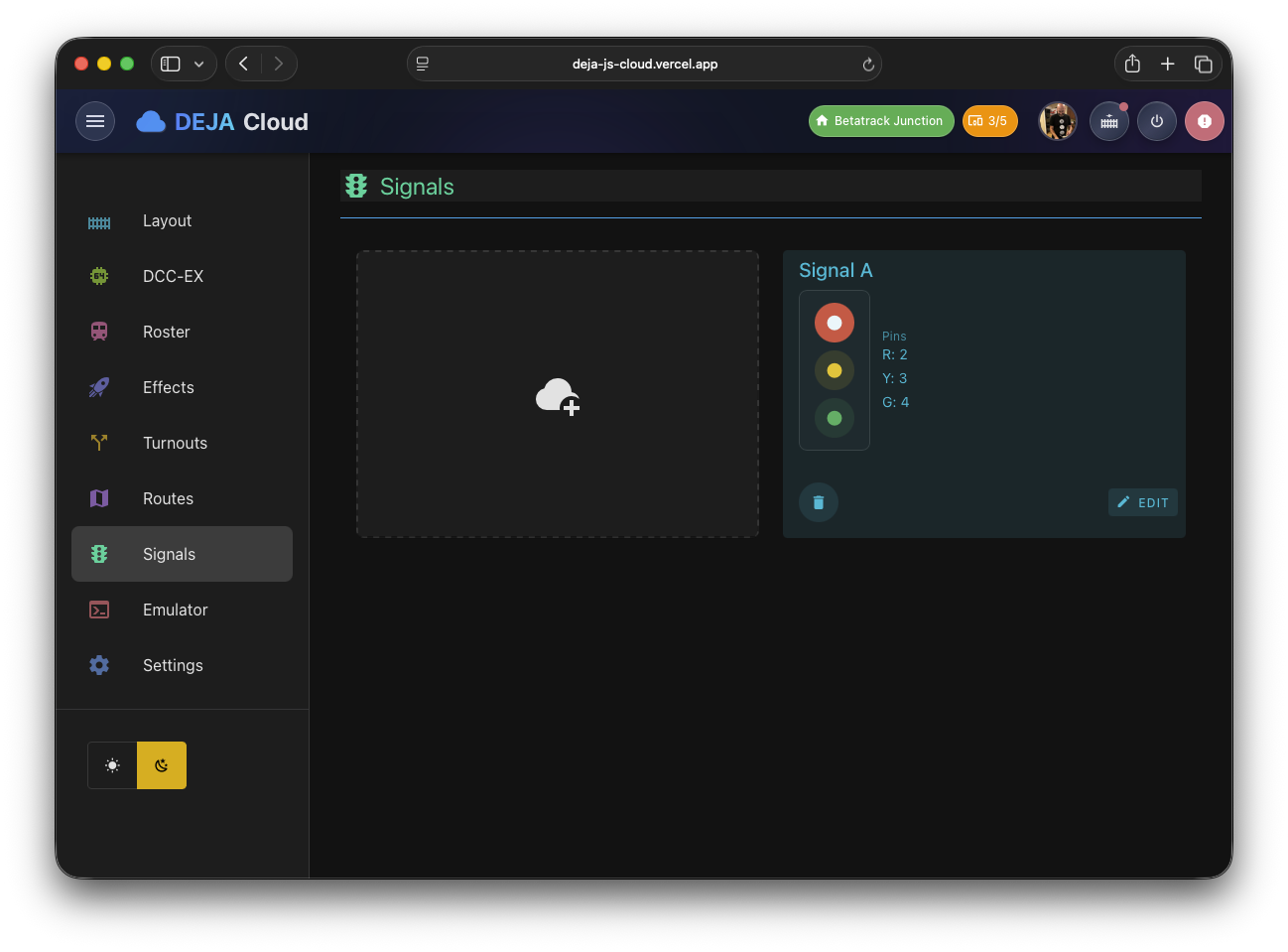
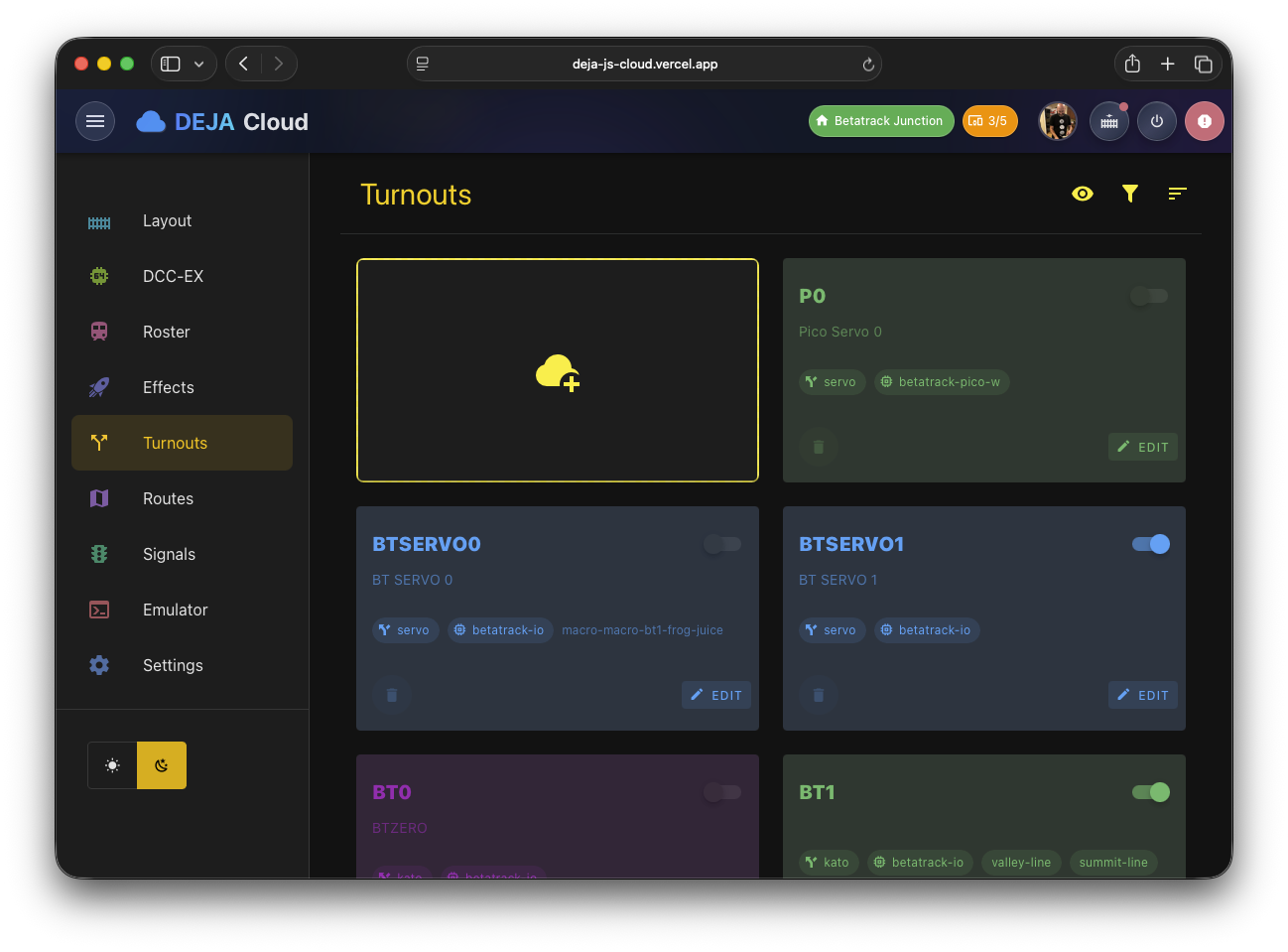
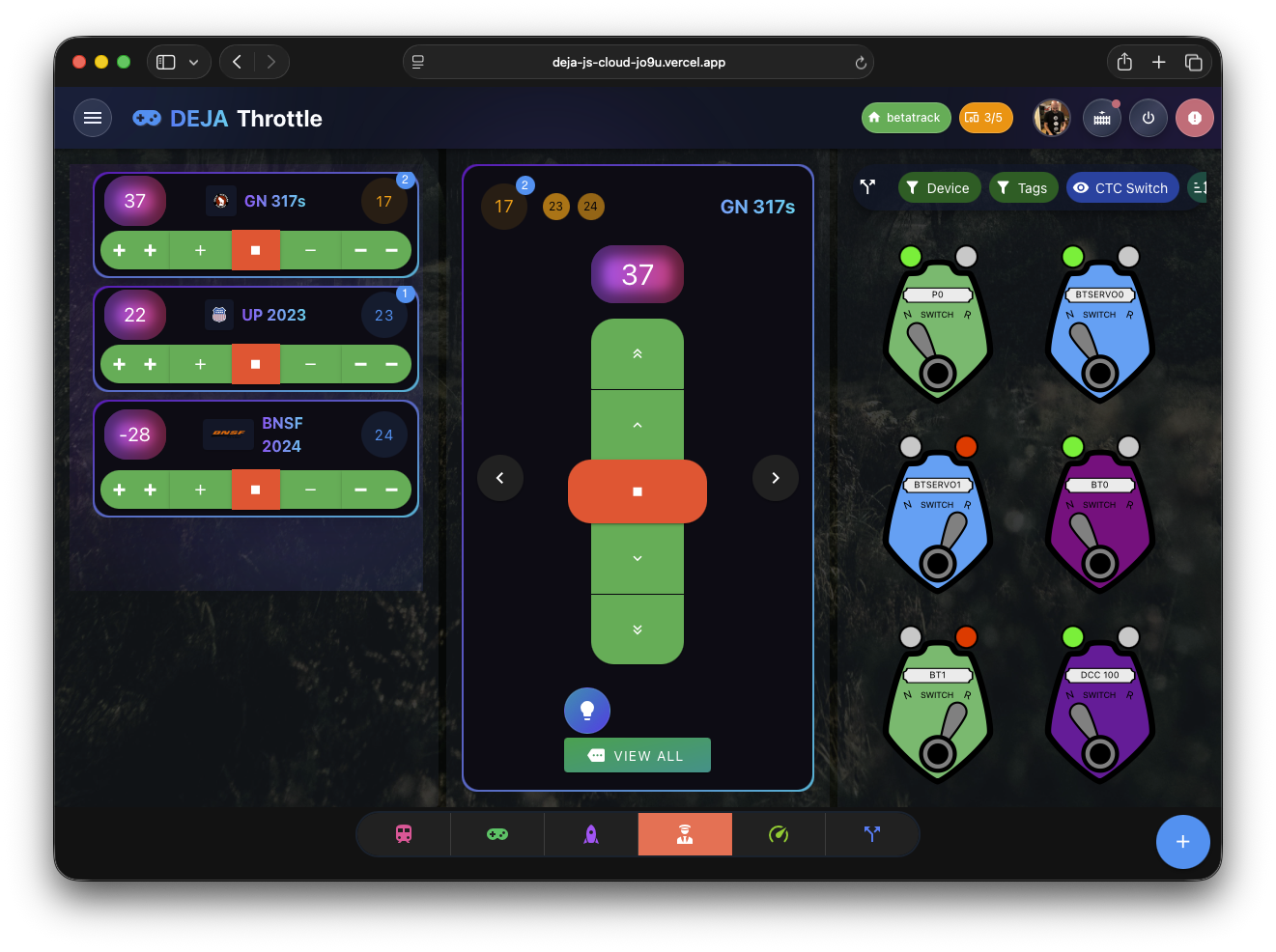
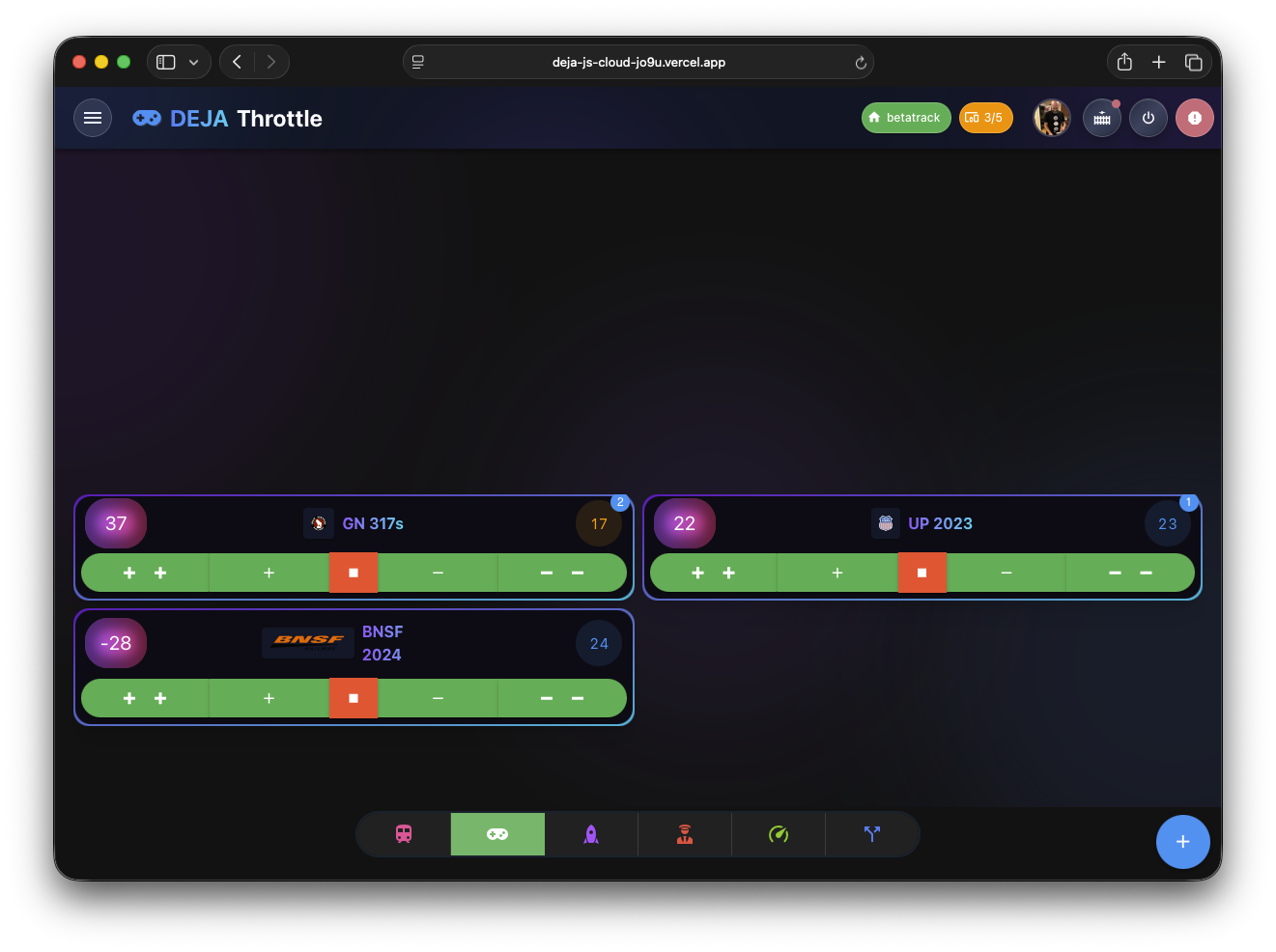
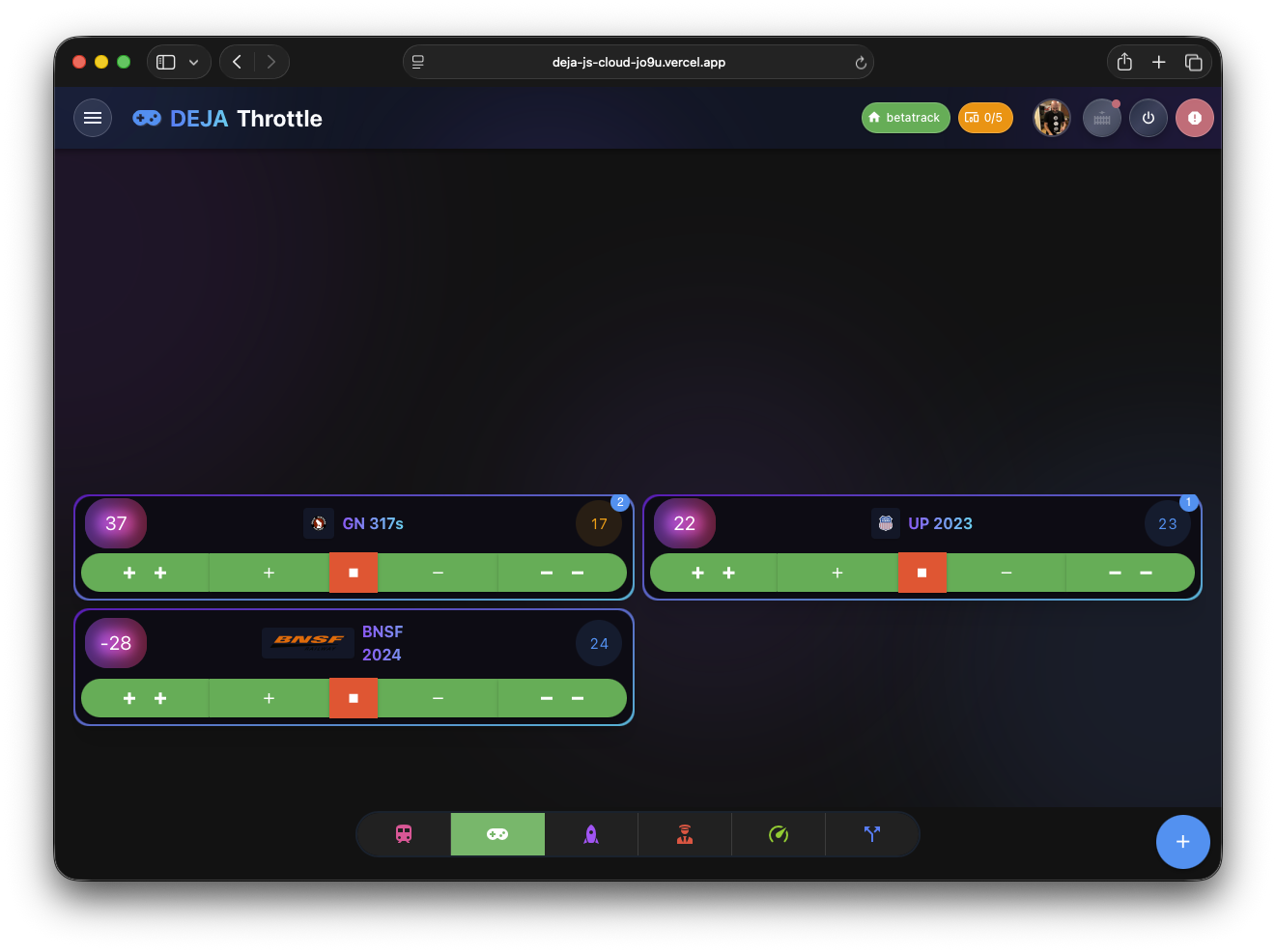
DEJA.js Server connects to your DCC-EX CommandStation via USB, acting as a bridge between your layout and DEJA Apps. The Throttle App allows you to control locomotives, while the Cloud App manages devices, rosters, turnouts, and effects. All apps sync in real-time through DEJA Cloud, providing a seamless experience across devices.
Where do I start?
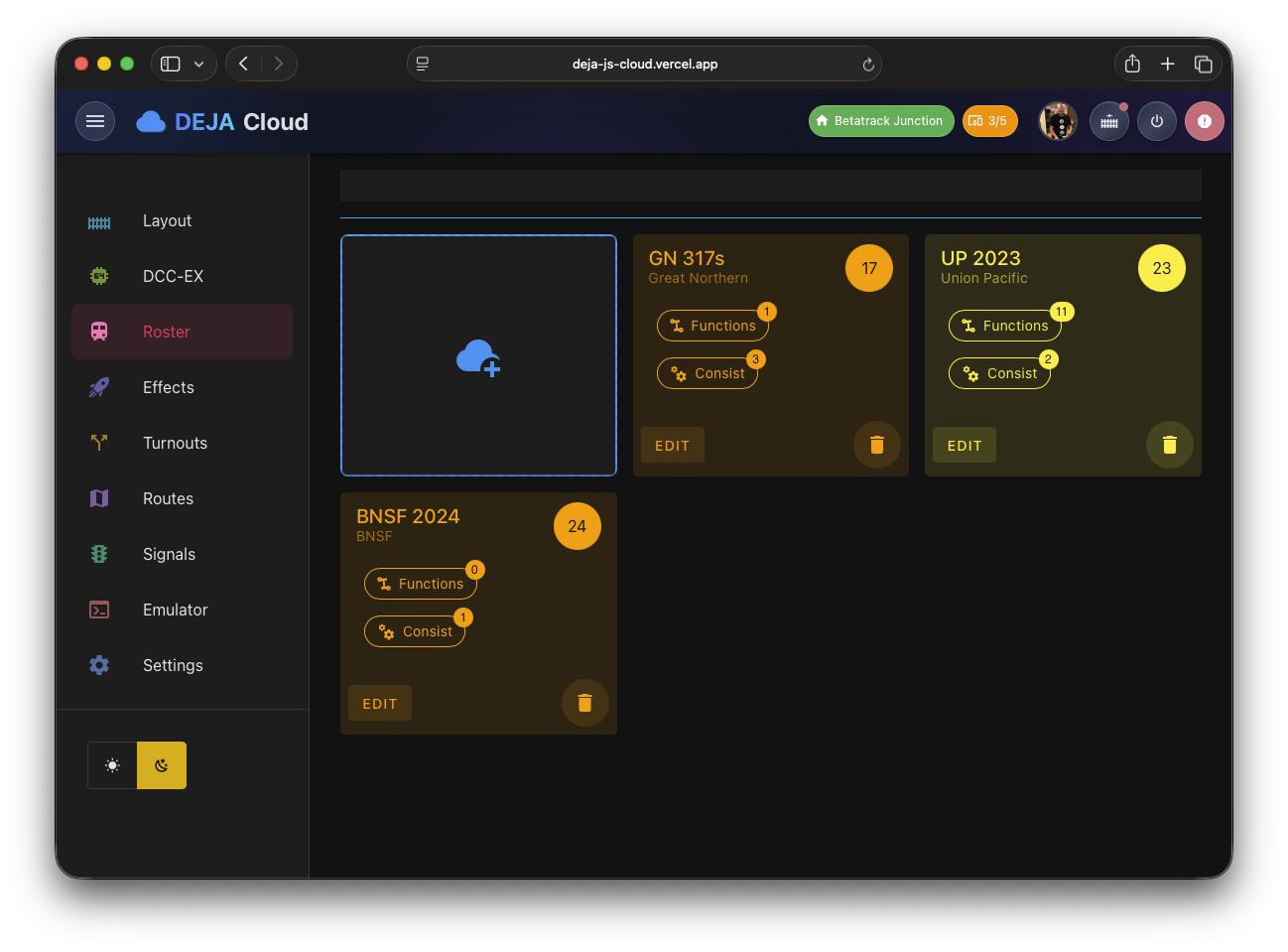
First, you'll need an account on DEJA Cloud. Then, you'll need to install the DEJA.js Server on your computer or laptop. Once you're logged in, you'll need to connect to your DCC-EX CommandStation via USB. Once you add a loco to your roster in the Cloud app, you can start using the Throttle app to control your locomotives.
Explore our implementation guides for more detailed instructions on how to get started. (coming soon)
Implementation GuidesDEJA.js Server allows communication between DEJA Apps (Throttle, Cloud, Monitor) and your DCC-EX CommandStation via USB. Add additional devices supported by DEJA.js IO
Key Features:
- Connect Arduino Devices
- Roster Management
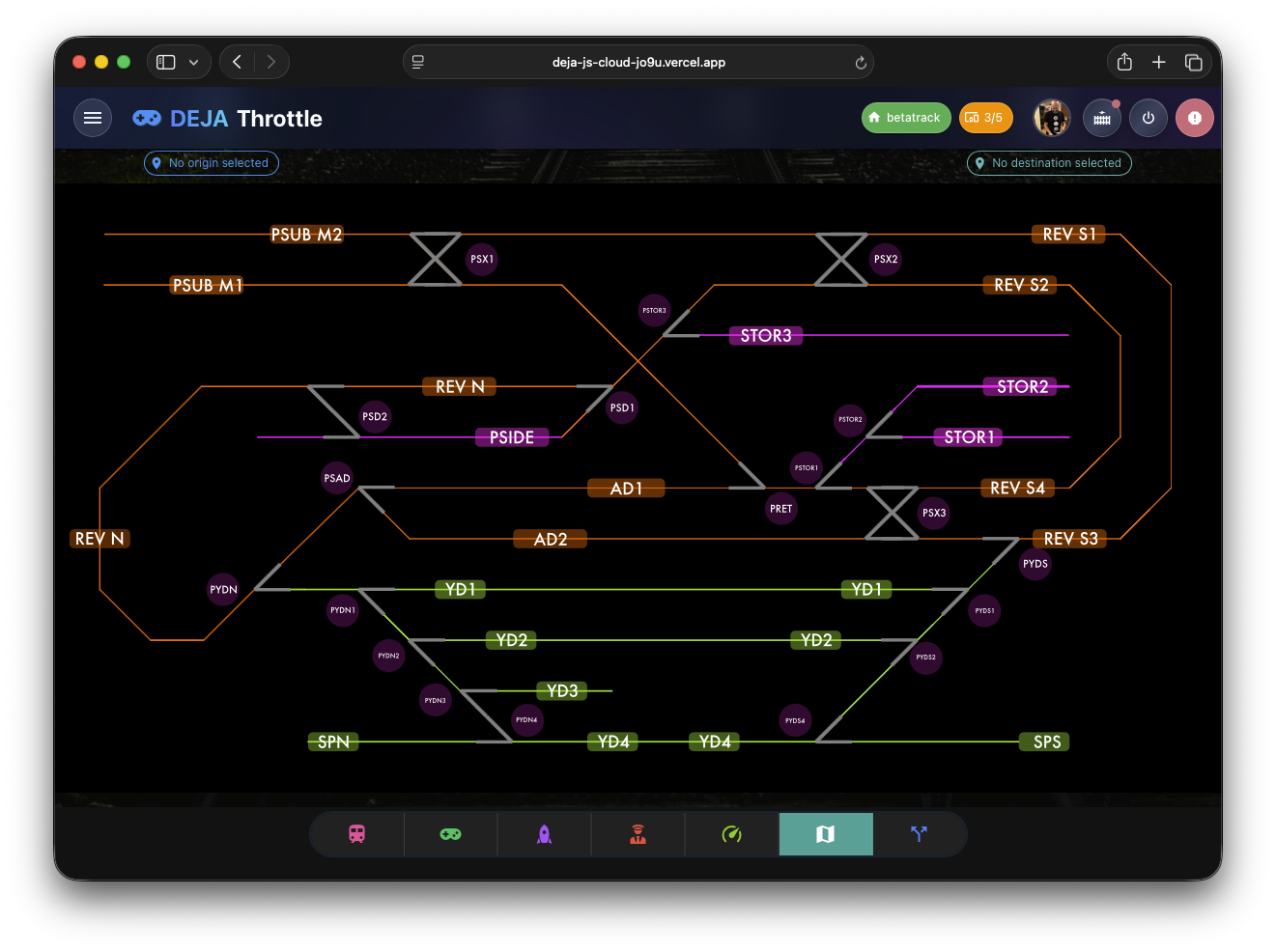
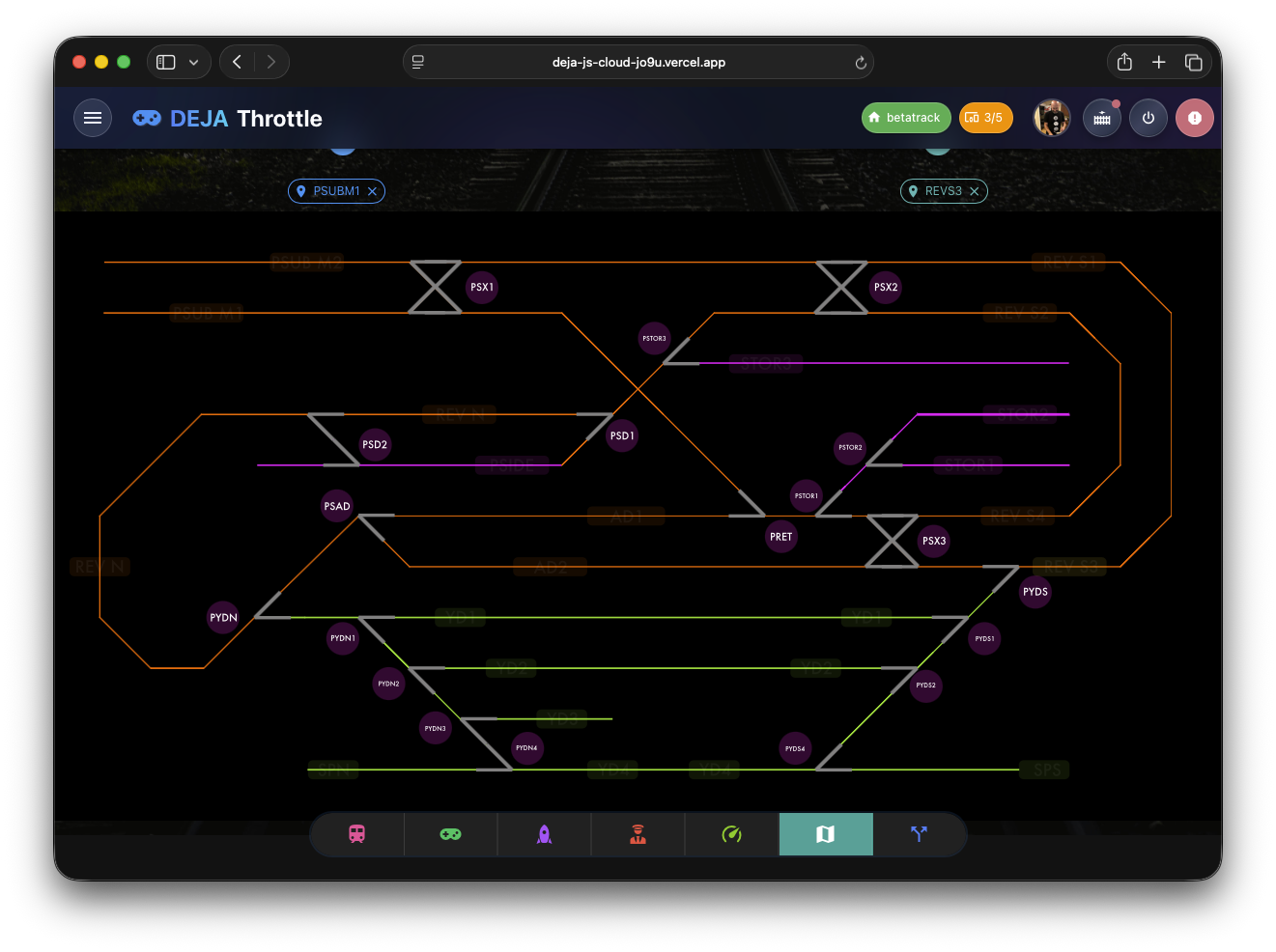
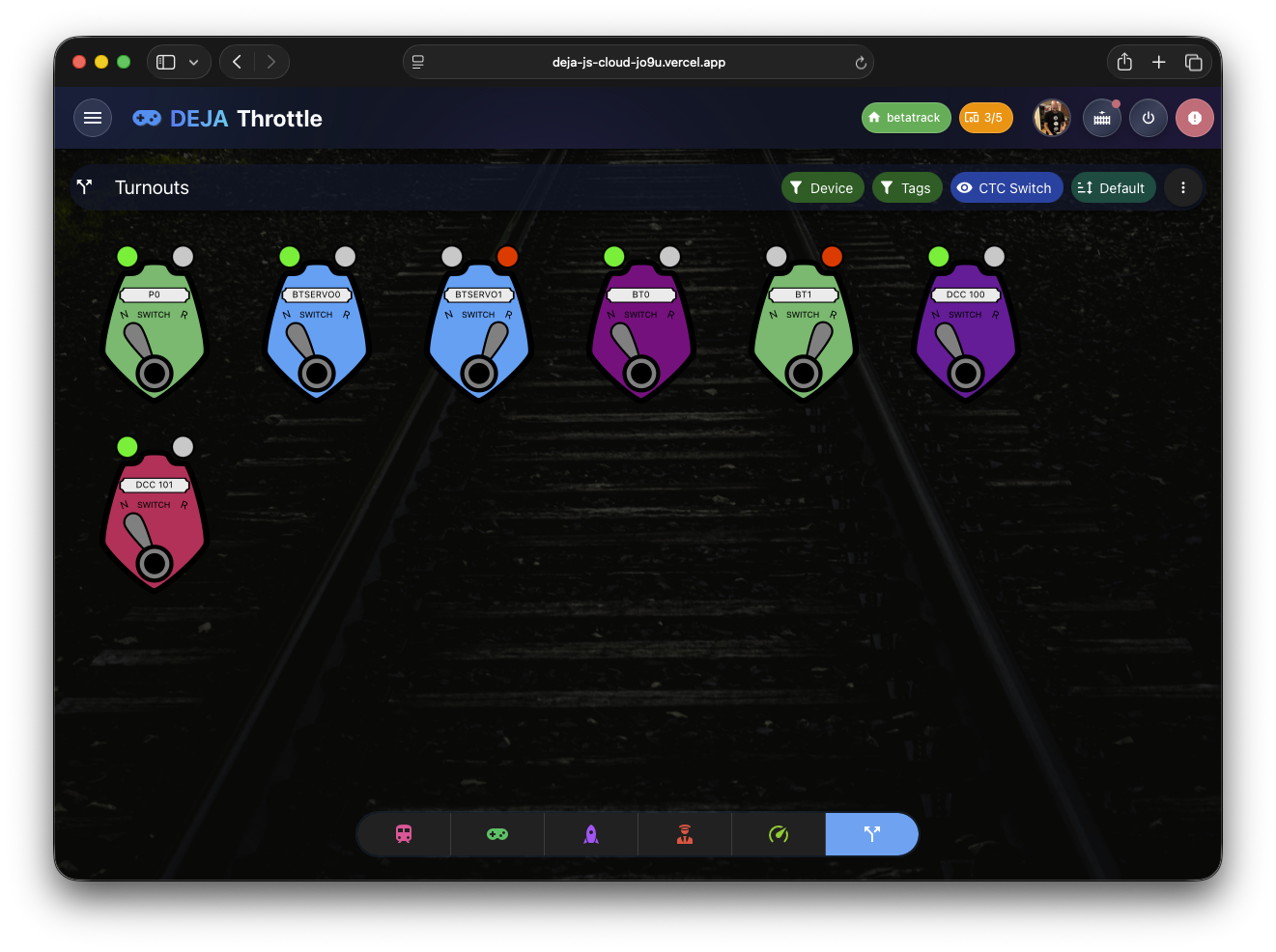
- Turnout Control
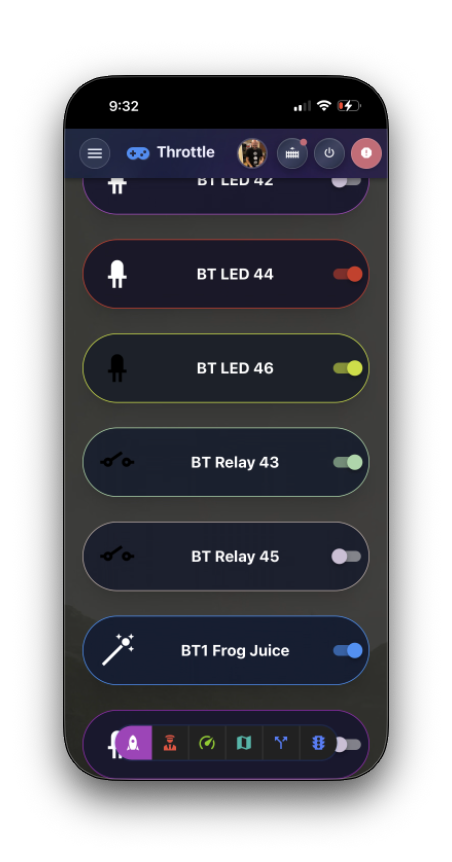
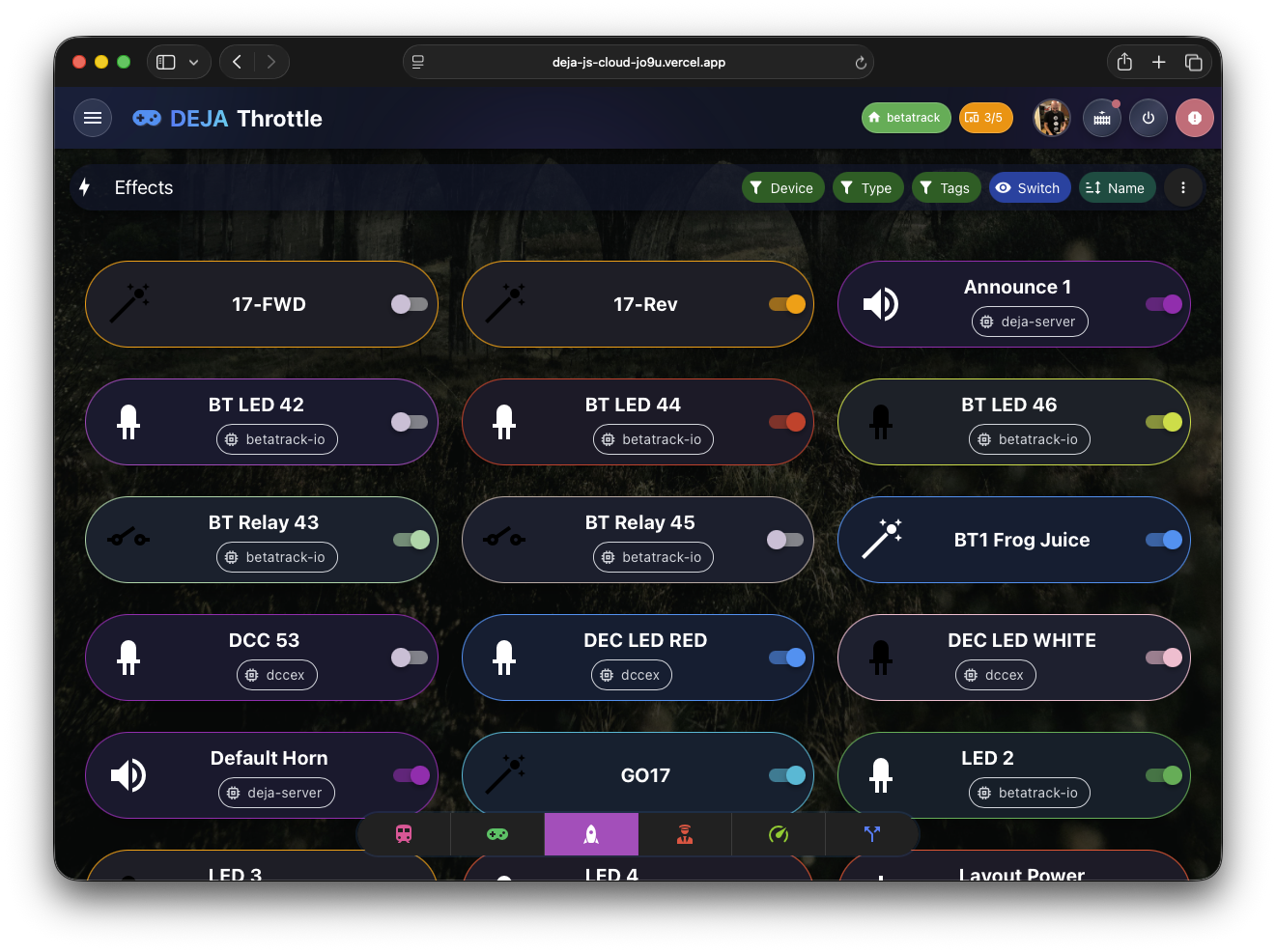
- Sensors, Lights, & Effects
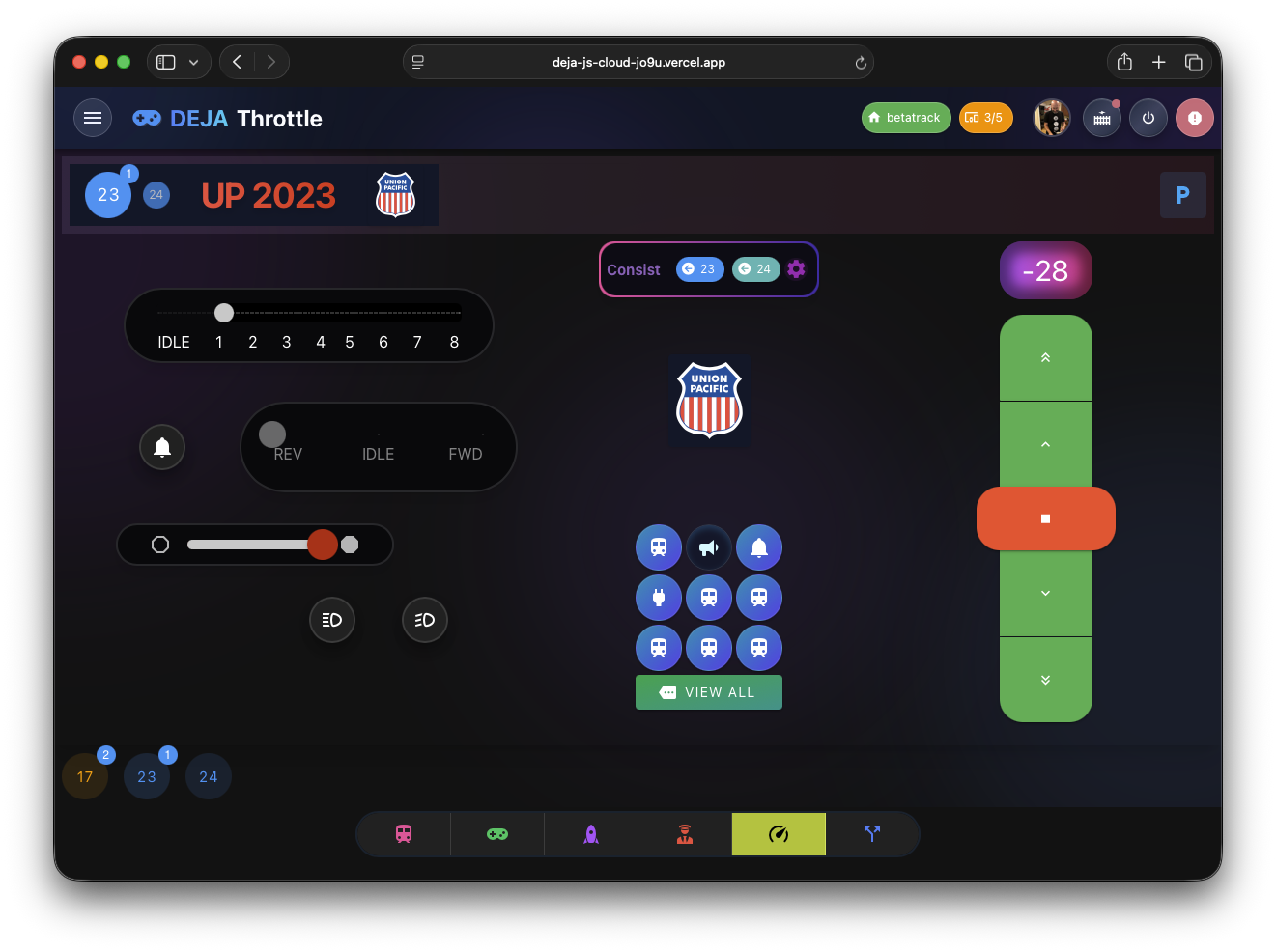
Learn MoreTransform your device into a professional DCC throttle! Launch Web App to control DCC locomotives with 🛰️ DEJA.js and DCC-EX EX-CommandStation.
Key Features:
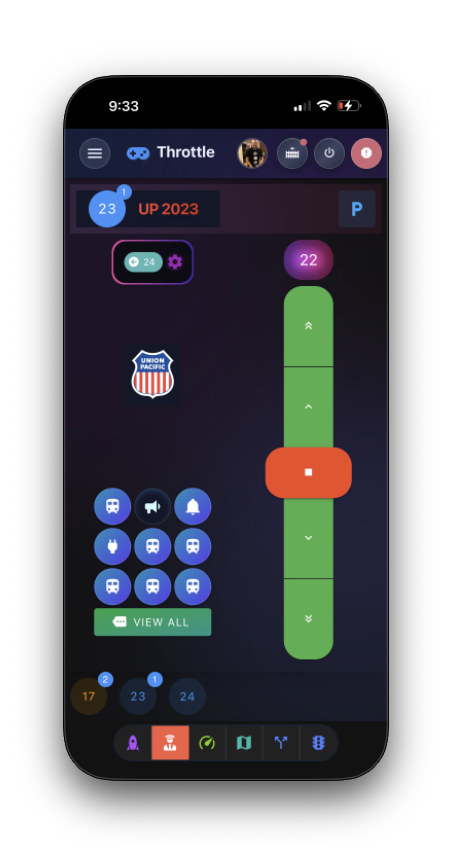
- Precise Speed Control
- EZ Consist
- Function Mapping
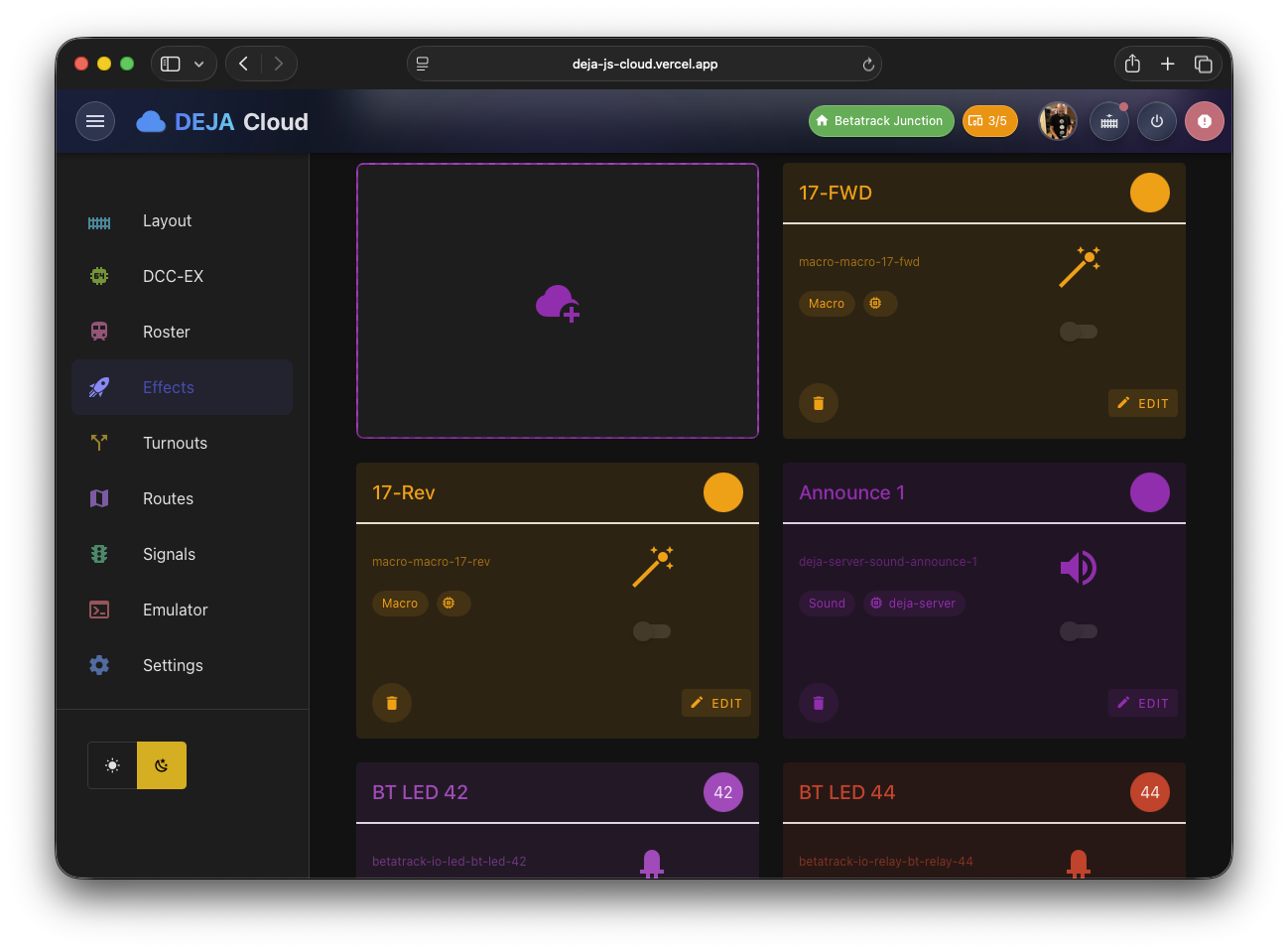
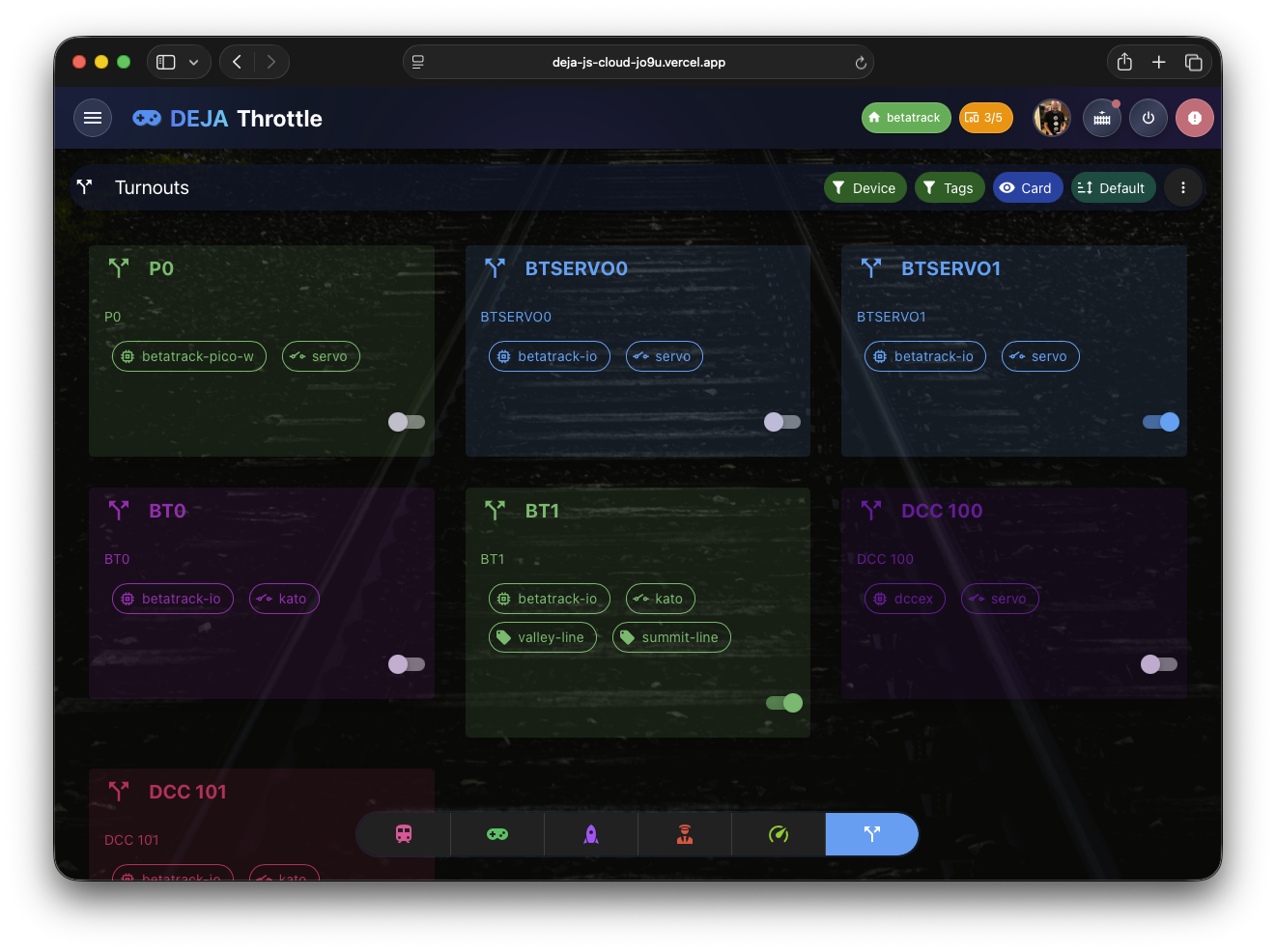
Learn MoreManage everything on your layout: DCC-EX CommandStation, Arduinos, Raspberry Pi, or anything that can connect to DEJA Cloud via Websocket or MQTT!
Key Features:
- Connect Arduino Devices
- Roster Management
- Turnout Control
- Sensors, Lights, & Effects
Learn MoreLive dashboards and logs for telemetry, events, and command traces to help debug and optimize layouts.
Key Features:
- Connect Arduino Devices
- Roster Management
- Turnout Control
- Sensors, Lights, & Effects
Learn MoreGuided tours and presets to showcase routes, demonstrations, and automated sequences on your layout.
Key Features:
- Connect Arduino Devices
- Roster Management
- Turnout Control
- Sensors, Lights, & Effects
Learn MoreArduino code ready to plug-n-play to enable lights, effects, sensors, servos, relays and more.
CircuitPython (RPi Pico W) code ready to plug-n-play to enable lights, effects, sensors, servos, relays and more.
Learn MoreColors! 🎨
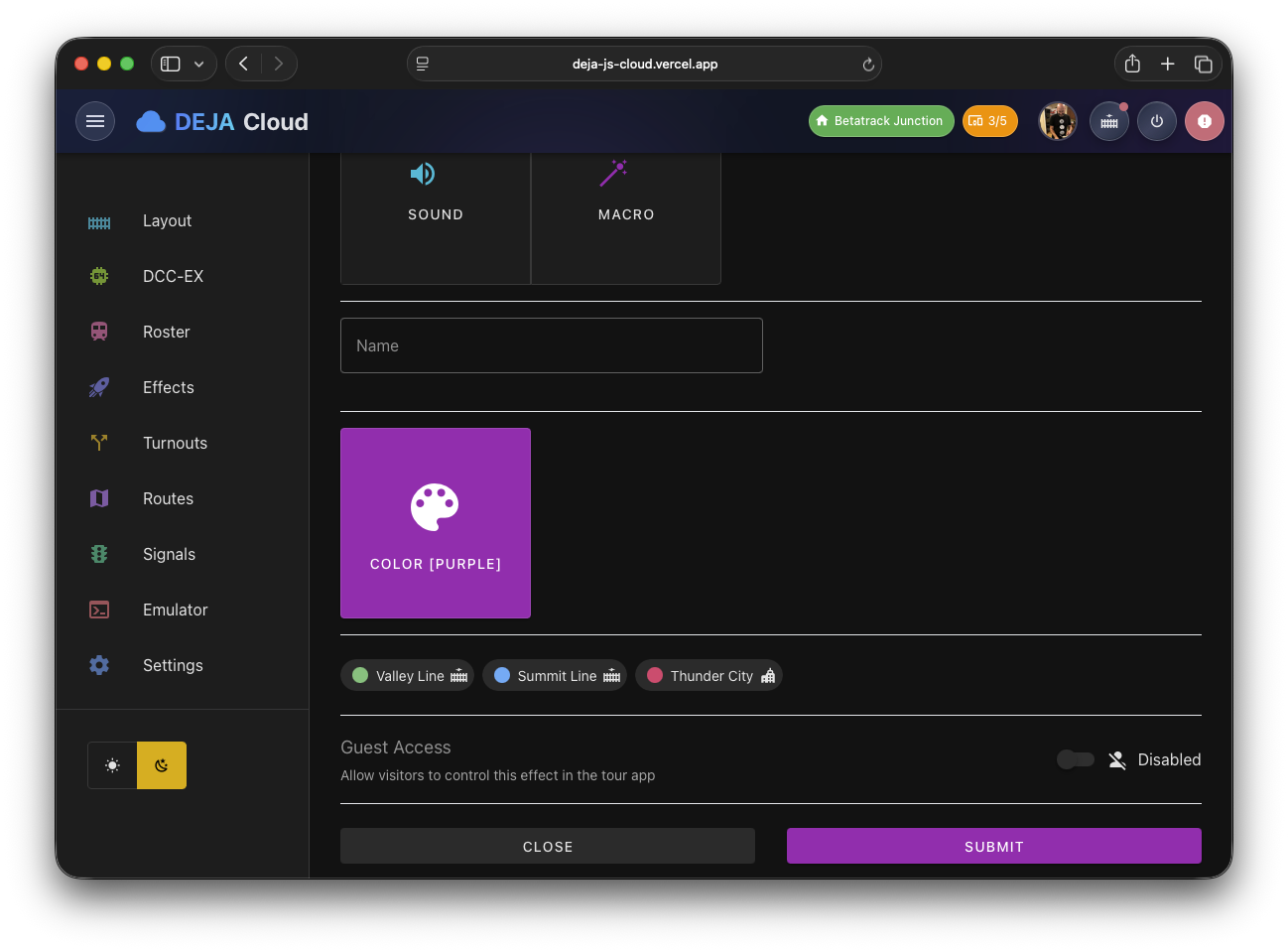
DEJA.js allows and encourages you to use your own colors to organize devices, locos, turnouts, effects and other items you configure in your DEJA Cloud layout. Adding or editing items allows you to select a color from swatches, your tags' colors, or a custom color. Wheenver the item is shown across the suite of DEJA apps, you'll see your color applied for quick identification.
Inputs & Outputs
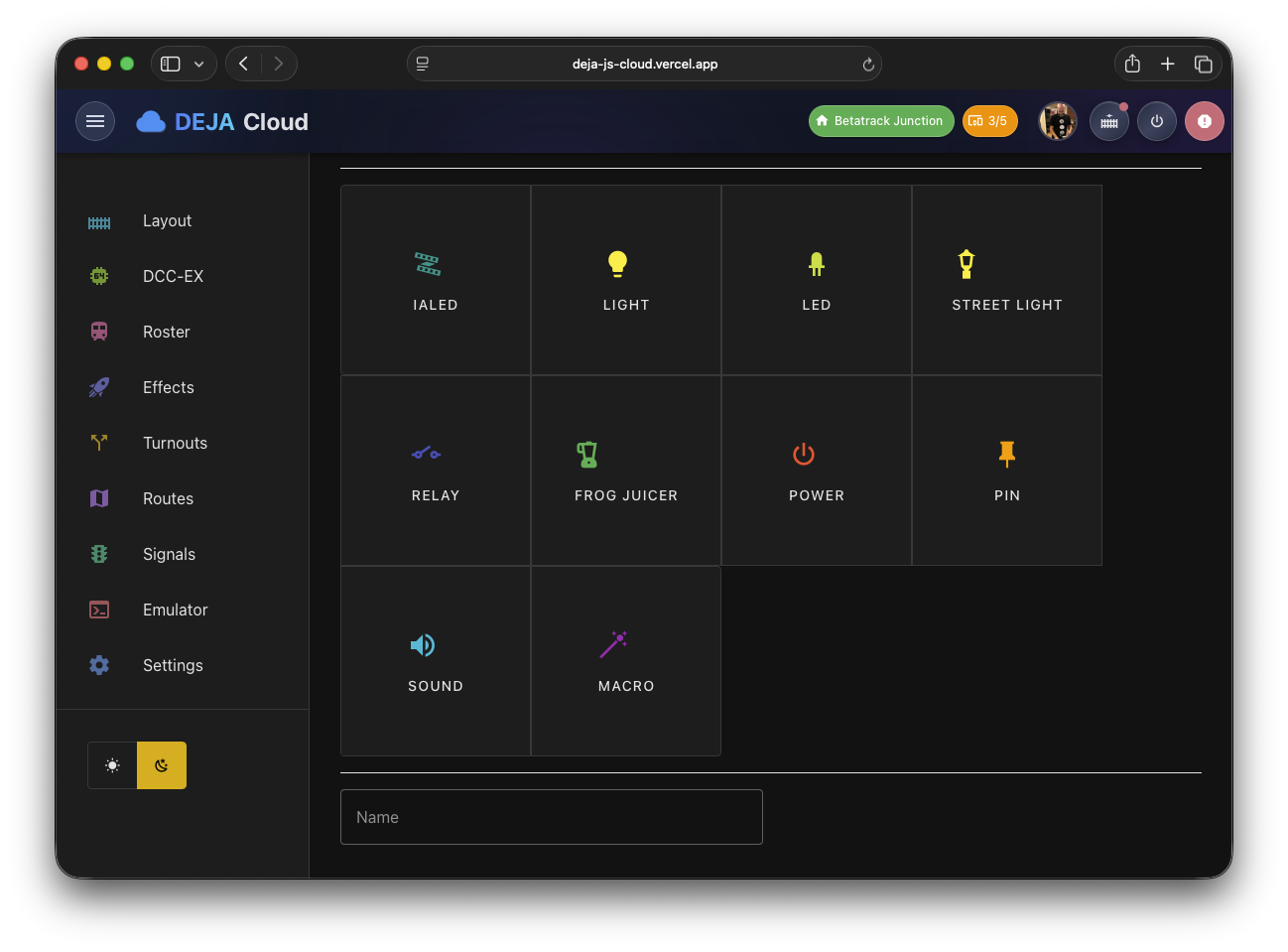
Add additional Arduino Mega devices to your layout to control lights, effects, sensors, servos, relays and more. Each pin can be designated as an input or output, and can be configured to control a light, effect, sensor, servo, relay and more. The DEJA.js Server will automatically detect the devices and configure them for you.
💡Lights
🔊Sounds
⚡Relays
📡Sensors
🔧Servos
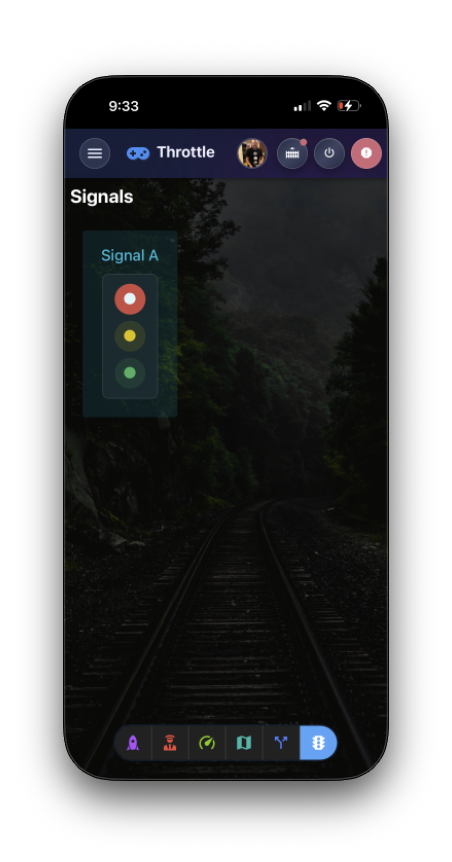
🚦Signals
🛤️Tracks
🔀Turnouts
⚙️Motors
🔌Arduino
📶Network
🔋Power